
Memory & Dreams
DotCraft carries what you teach it into later conversations: the preferences you state and the corrections you make.
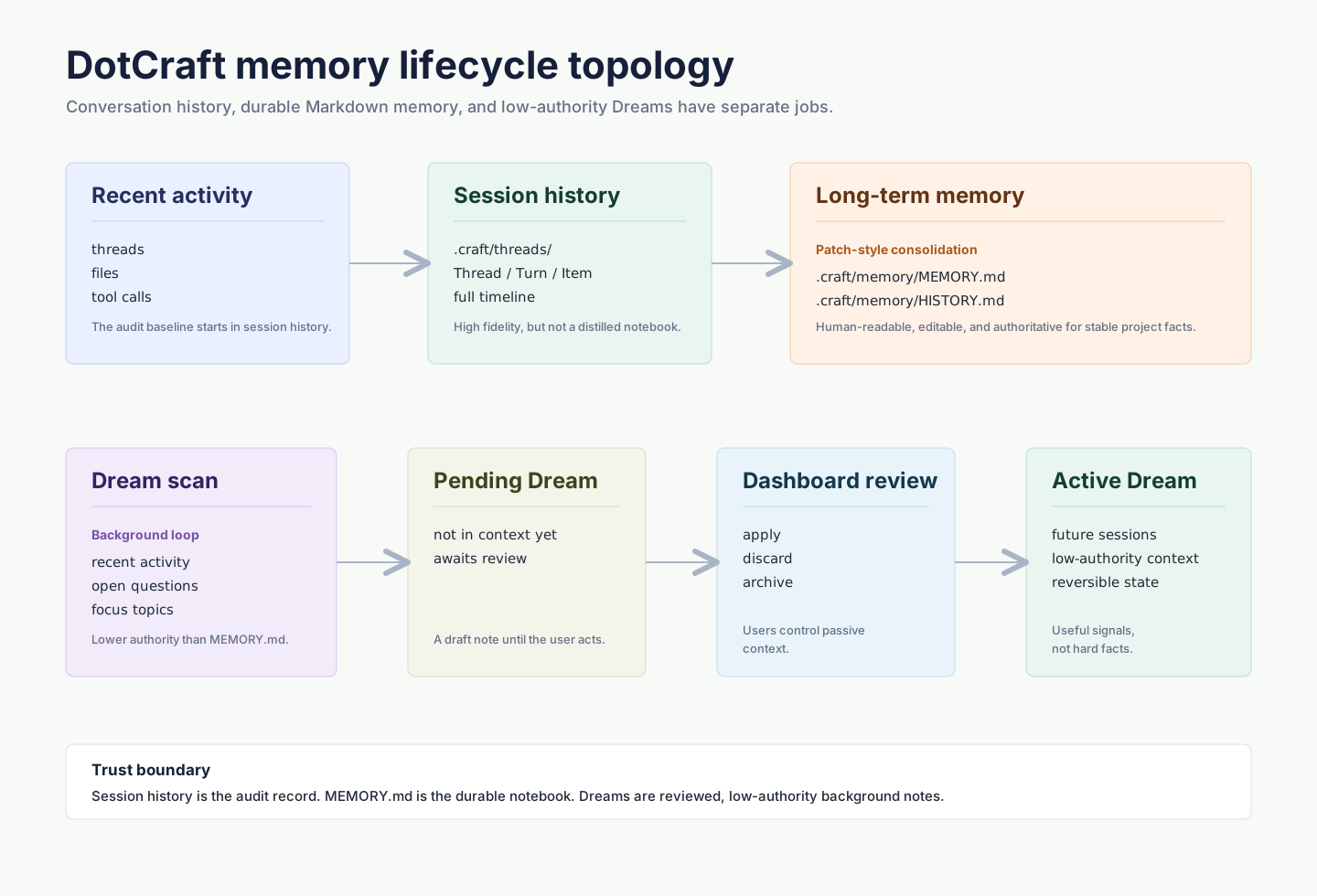
Three ways DotCraft remembers
| Type | What it helps with |
|---|---|
| Conversation history | Reopen an earlier conversation and pick up where you left off |
| Saved memory | Keep your preferences and corrections, carried into every conversation |
| Dreams | Track recent focus and open questions that have not settled yet |
Manage memory
Tell DotCraft what to remember, correct, or forget, for example: “Remember that I prefer short answers.” Later conversations can use the saved information.
To stop using memory, turn off Settings → Personalization → Enable memories in Desktop. New conversations then start without memory, and Dreams and welcome suggestions pause until you turn it back on.
To clear a project's memory, open Settings → Personalization → Delete memories. This also clears Dreams and keeps your conversation history.
Dreams
Dreams reviews recent workspace activity and creates tentative notes for later conversations.
Turn it on in Desktop under Settings → Personalization → Dreams. Each run waits for your review, and later conversations use it only once you apply it. To let runs take effect directly, turn on auto-update under Manage.

Related docs
- Skills & Self-Learning — memory keeps facts, skills keep methods: a workflow that worked gets reused next time
- Observability — review Dreams runs and session traces in Dashboard